
Quick Start
Get up and running with Batcher.ai in 5 minutes.
1. Create your account
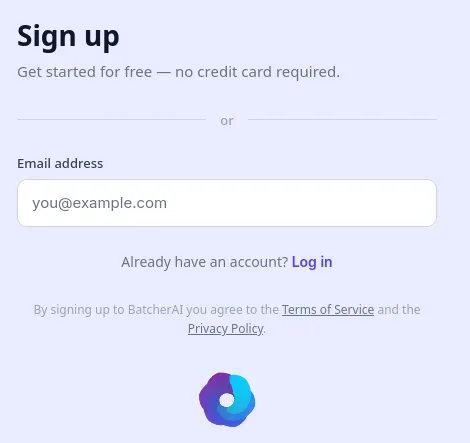
Section titled “1. Create your account”Go to batcher.ai and sign up with your email address. You can log in using a magic link sent to your email or set a password.
After registration, verify your phone number to unlock all features including AI processing and the AI Assistant.
2. Import your data
Section titled “2. Import your data”From the dashboard, create a new spreadsheet. You have three options:
- Upload a file — Drag and drop a CSV or Excel (.xlsx) file
- Type manually — Enter data directly into cells
- Use the AI Assistant — Let the assistant generate sample data for you
Your first row should contain column headers (e.g., “Product Name”, “URL”, “Description”).
3. Write your first formula
Section titled “3. Write your first formula”Click on an empty cell in row 2 and type an AI formula. The simplest formula looks like this:
With a direct question :
=LLM("why the sky is blue", "default")Or with another cell :
=LLM(A2, "default")This sends the content of cell A2 to the built-in AI model and returns the result.
For more control, use CONCAT to build a custom prompt:
=LLM(CONCAT("Translate to French: ", A2), "default")Tip:
"default"uses the free built-in model. If you have configured your own API keys (e.g., for ChatGPT), replace"default"with your configuration name.
5. Export your results
Section titled “5. Export your results”Once processing is complete, download your enriched spreadsheet. Your data and AI-generated results are saved and accessible anytime from your dashboard.
Next steps
Section titled “Next steps”- AI Assistant — Let the AI build workflows for you through conversation
- Built-in Functions — Learn all available formula functions
- AI Providers & Configuration — Connect ChatGPT, Claude, Gemini, and more
- Workflow Examples — See real-world formula patterns